Prepare your museum interactive brief
Work through content, hardware, accessibility and handover decisions, then adapt a printable acceptance worksheet with your team.
Use the commissioning checklist


Work through content, hardware, accessibility and handover decisions, then adapt a printable acceptance worksheet with your team.
Use the commissioning checklistSee how gallery interactives and companion apps differ, and work out which one, or both, your visitors need.
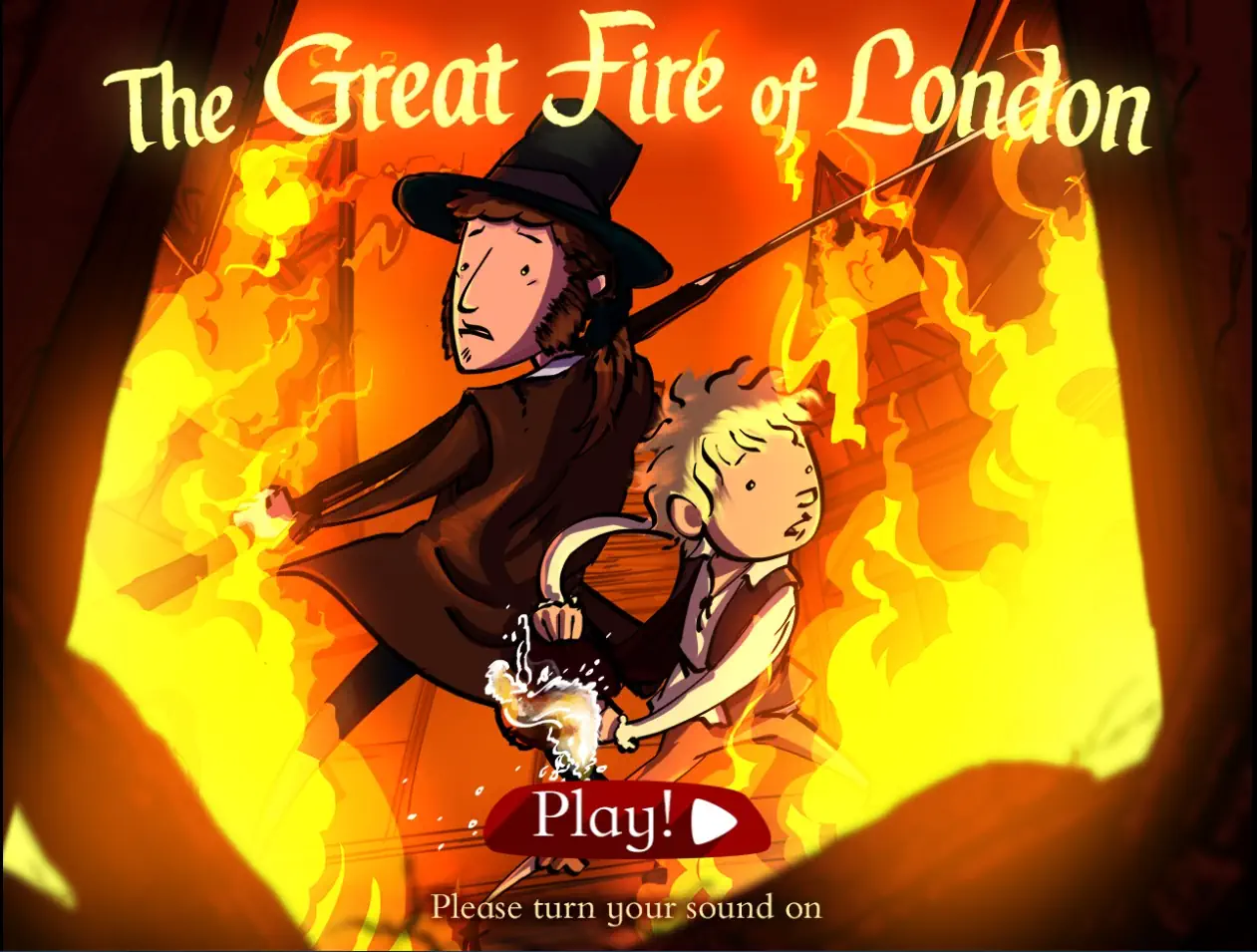
Compare the two formatsRead how our director David Edgecombe, in a previous role, rebuilt the Great Fire of London interactive from legacy Flash to a modern HTML5 exhibit for London Museum.
Read the case studyProjects delivered by our team at previous studios and agencies, bringing deep institutional and heritage sector experience to every engagement.

Research Consortium
We meet your curators, archivists, and education officers to understand the collection, the narrative you want to tell, and the visitor demographics you need to reach. The output is a content brief that both your curatorial team and our developers sign off on.
We produce wireframes and a playable prototype that your team can test on actual gallery hardware. Curators review every content screen for accuracy before we move to full production.
Full production in HTML5 or Unity, with ongoing testing on your target kiosk hardware, touchscreen panels, or visitor mobile devices. Accessibility audits run throughout, not just at the end.
On-site installation, visitor analytics integration and staff training are scoped with your venue: hardware supply, network access and site logistics are agreed upfront, and can sit with your team or ours depending on what your venue needs. Where we run the training, your front-of-house team learns to restart, reset, and troubleshoot the installation without calling a developer.
Exhibitions change and collections rotate. Where that is part of the brief, we agree a maintenance plan that lets you update text, imagery, and languages without a full redevelopment cycle; it is a scoped, optional addition rather than an automatic inclusion.
We choose the right technology for each project based on your hardware, budget, and long-term maintenance needs.
Most museum projects fall into one of two categories. Some need both. Here is how to decide.

In-gallery engagement with a specific exhibit or collection

Extended engagement before, during, and after the visit
We design and build educational games for publishers, universities and museums. Turn your learning objectives into a browser or mobile game. Discuss your project.
Explore serviceUpgrade older Unity projects or rebuild legacy games for modern platforms. UK engineers assess dependencies, preserve gameplay and plan a tested migration.
Explore serviceMobile game development services for iOS and Android. UK-based Unity developers building new mobile games, porting existing titles, and improving live mobile projects.
Explore serviceUnity game development for studios, publishers and organisations. UK engineers taking gameplay, systems and technical delivery from prototype to release.
Explore service“David is very patient and has great communication. He is an appropriately skilled freelance Unity developer who understood our project goals from the beginning and worked with us diligently throughout our slow-burn design process. I am pleased that we chose David to develop version 2.0 of our Vocab Builder. Thanks David!”
Educational app development
Project: Vocab Builder
If your project is primarily educational rather than heritage-focused, you may also want to explore our educational institutions page.
Tell us about the story, collection or subject you want visitors to explore, where the experience will be used and what material already exists.
Tell Us About Your ProjectShare your audience, interpretive goals, gallery hardware and accessibility needs. We'll discuss an experience that fits your exhibition and operating constraints.
Location
London, United Kingdom
Response Time
We typically respond within 1 to 2 business days.
Prefer to talk?
Pick a time that suits you and speak to David directly.