“Awesome job! I really look forward to working with the guys again very soon!”
Jacob Behunin
Chief Creative Officer, Foil Hat Games


Overview
Built with

| Area | Before | After the update |
|---|---|---|
| Engine | Unity 2019 | Unity 6 |
| Ads and IAP | Legacy Unity Ads and Unity IAP | Current Unity Ads and Unity IAP packages |
| Download size | 187MB | 137MB |
| Level map scene file | 218MB | 6.8MB |
| Particle systems on the level map | 1,500 | 1 |
| Frame rate when idle | 60fps at all times | 30fps after 2 seconds without input or animation |
| iOS texture compression | PVRTC | ASTC |
| Player features | No haptics or tablet layout | Haptic feedback and tablet support |
The update had to leave Nova Blast submittable to both stores, with its monetisation working as before. That meant the engine, the SDKs and the code that depended on them.

We upgraded the project directly to Unity 6, raising the minimum supported versions to Android 7 and iOS 13 in line with current requirements. The Android build now targets API level 37.

The legacy Unity Ads and Unity IAP integrations were migrated to the current packages, keeping the game's adverts and in-app purchases working on both stores.

We fixed a number of code paths that relied on obsolete or deprecated APIs, so the project compiles cleanly on Unity 6 rather than carrying warnings into its next update.
The download went from 187MB to 137MB, and most of that saving came from one scene. The level map had been storing far more than it needed to.

The map's 250 level buttons, each carrying six particle systems, were saved in the scene. They are now created from a prefab when the map loads, and only the current level gets a particle marker, taking the scene file from 218MB to 6.8MB.

iOS textures moved from PVRTC to ASTC, and the sprite atlases gained compressed platform overrides with a maximum size of 2048.

We removed six unused packages, a leftover memory profiler folder and dead scripts, turned on code stripping, and limited Android to a single graphics API to reduce shader variants.
A puzzle game spends much of its time waiting for the player's next move, or on menus between levels. The game no longer works at full speed when nothing on screen is changing.

The game runs at 60fps while the player is touching the screen or something is animating, then drops to 30fps after two seconds of idle. This is where most of the battery saving comes from.

The 1,500 particle systems on the level map are down to one. Empty Update methods are gone, the collectable glow stops updating once it fades, and the camera only refits when the screen changes.

We enabled Android frame pacing for smoother, more consistent frame delivery, and switched off the accelerometer the game never used.
The client also took the opportunity to improve the game itself while it was open on the workbench.

We added haptic feedback to the gameplay, so players on supported devices feel the action as well as see it.

Nova Blast now supports tablets as well as phones, opening it up to players on larger screens.

We made a set of smaller gameplay and quality of life improvements requested by Foil Hat Games.
Nova Blast moved from Unity 2019 to Unity 6 and met the current Google Play and App Store requirements, with its adverts and in-app purchases migrated to current packages.
Building the level map at load time took its scene file from 218MB to 6.8MB and replaced 1,500 particle systems with one. With the texture compression and code stripping changes, the download went from 187MB to 137MB.
Halving the frame rate when the game is idle, and trimming the work done every frame, reduces how hard the device works between moments of play.
“Awesome job! I really look forward to working with the guys again very soon!”
Jacob Behunin
Chief Creative Officer, Foil Hat Games
Tell us which Unity version your game is on, which stores it is published to and when the deadline falls.
Send your deadlineExplore other projects showcasing our game development expertise
Modernising and Porting a Live Mobile Puzzle Game
How we moved Nova Blast to Unity 2019 LTS, added new tiles and power-ups, extended its level editor and brought the iOS puzzle game to Android.
Read Case Study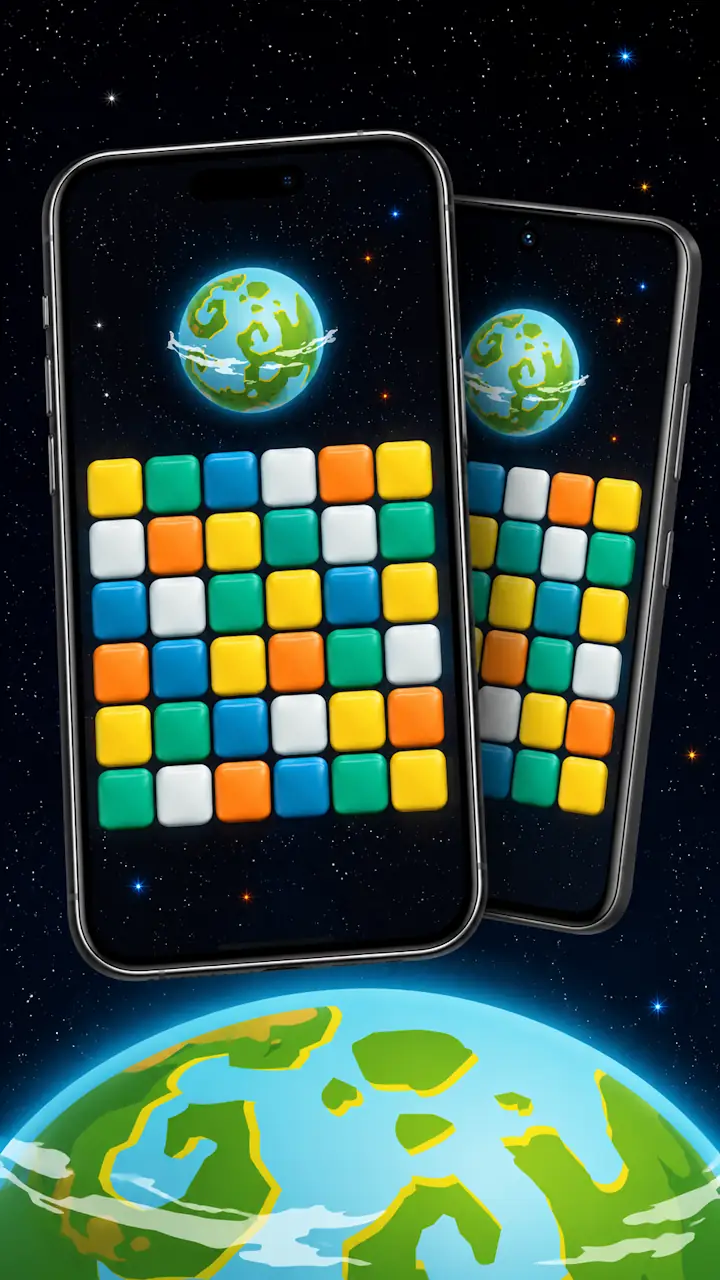
Bringing an Established Game to New Platforms
A three-month Unity 2018 to Unity 6 migration and mobile port for Hugecalf Studios, ahead of a planned Epic Games Store release on Windows, Android and iOS.
Read Case Study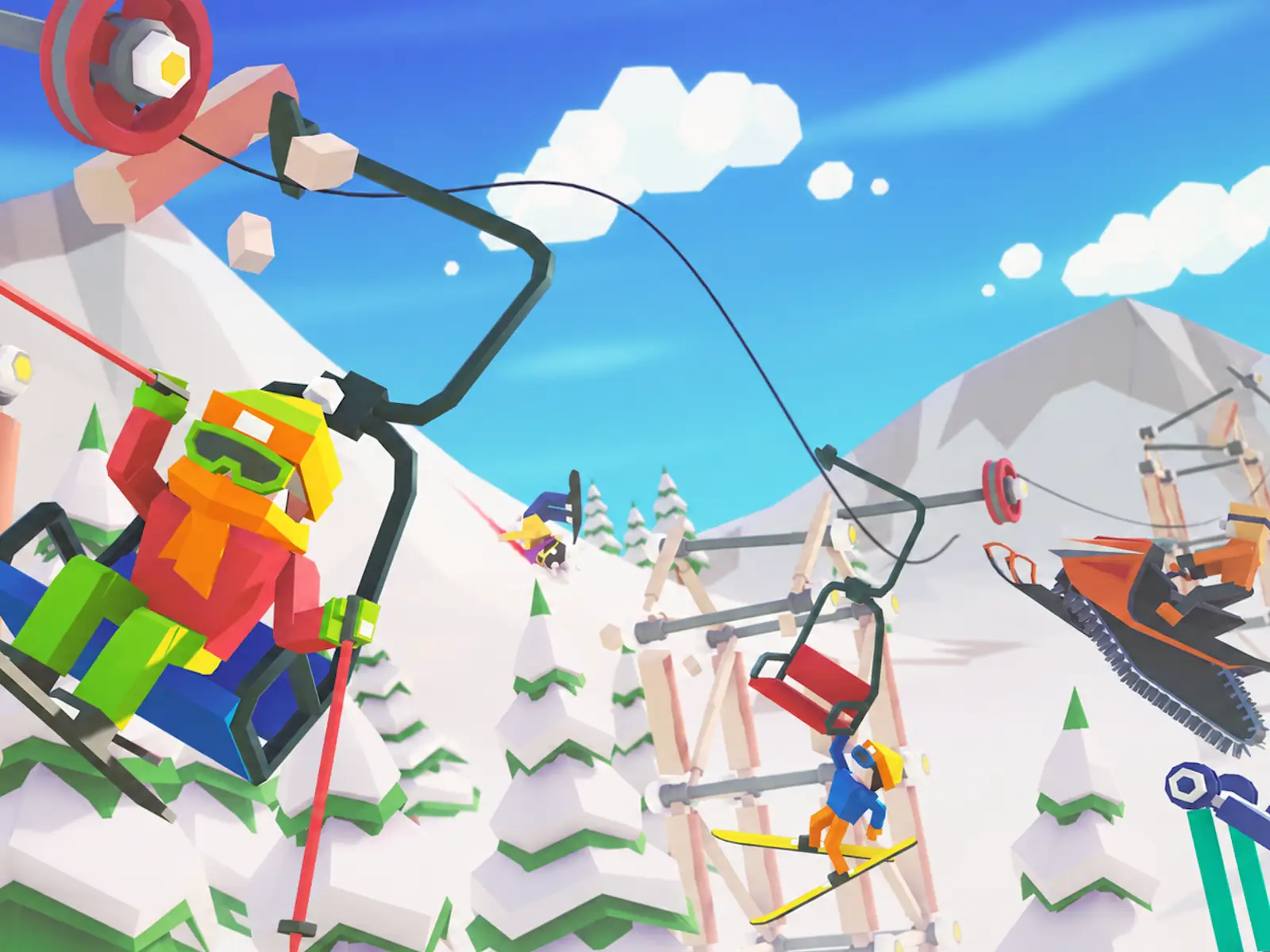
Tell us about your project, the constraints you're working within and the problem you need to solve. We'll discuss how our experience could apply.
Location
London, United Kingdom
Response Time
We typically respond within 1 to 2 business days.